Small habits that keep a physical music collection ready for everyday listening.
A CD collection rarely needs a dramatic rescue. More often, it needs a better place to land after the last track. A disc left beside a laptop, a cracked case, or a sunny windowsill can become part of an unnoticed routine. Good care starts by changing those ordinary moments. The objective is simple: make your albums easy to enjoy while reducing avoidable handling damage. You do not need to turn a living room into an archive to borrow a few useful habits from people who preserve recorded sound.
Physical listening also fits comfortably alongside today's streaming habits. You might discover an artist online, then reach for a CD you already own. The two experiences serve different needs. Keeping that disc ready to play means looking beyond the player itself: how you remove it, whether it needs cleaning, and what happens when you put it away. Those decisions deserve more attention than a promise that any particular accessory will preserve a collection forever.

Handle the Disc, Not the Playing Surface
Begin with clean, dry hands and a clear space. Hold a CD by its outer edge and center hole, keeping fingers away from the broad surfaces. The Canadian Conservation Institute recommends this approach because handling is part of preservation, not merely presentation.[1] Canadian Conservation Institute When a disc sits in a conventional jewel case, release the center hub before lifting it out. NEDCC specifically advises pressing the hub and holding the outer edges; bending a disc against a stubborn holder is an unnecessary risk.[2] NEDCC
Make the return journey equally deliberate. Keep the empty case beside the player while an album is playing, so the destination is obvious when it finishes. Avoid balancing a bare disc on books, sliding it across a tabletop, or leaving several discs loose in a pile. If friends are choosing the next album, hand them the case rather than an exposed disc. These are modest changes, but they remove the moments when an otherwise careful listener is most likely to improvise.

Clean Only When There Is Something to Remove
A clean-looking disc that plays normally does not need an elaborate polishing ritual. If fingerprints or loose contamination are visible, inspect the surface under gentle light before deciding what to do. Use a clean, soft, lint-free cloth and work carefully from the center toward the outer edge, rather than tracing circles around the disc. Australia's National Archives explicitly cautions against circular cleaning.
[3] National Archives of Australia Keep the cloth free of grit: moving an abrasive particle across the surface can create the very damage you hoped to prevent.
Do not experiment with toothpaste, household polish, or a strong solvent because a short video makes the result look convincing. A cleaner must be suitable for optical discs, and the disc manufacturer's instructions take priority. Deep scratches, cracks, or separating layers are different problems from removable dirt. Stop treating repeated rubbing as a repair method. When an important album remains unreadable, professional advice is more useful than escalating a home remedy. Cleaning can remove contamination; it cannot guarantee recovery of damaged information.

Choose a Storage Routine You Can Maintain
For the discs you are putting away, individual protective cases and an upright position provide a sensible starting point. Keep the storage area away from direct sunlight, radiators, damp corners, and places where conditions change sharply. NEDCC recommends individual enclosures and cool, stable conditions for optical media.
[2] NEDCC At home, this suggests an interior shelf rather than a window ledge or a frequently hot car. Replace a broken case when it no longer holds the disc securely; a damaged enclosure should not become a reason to leave an album unprotected.
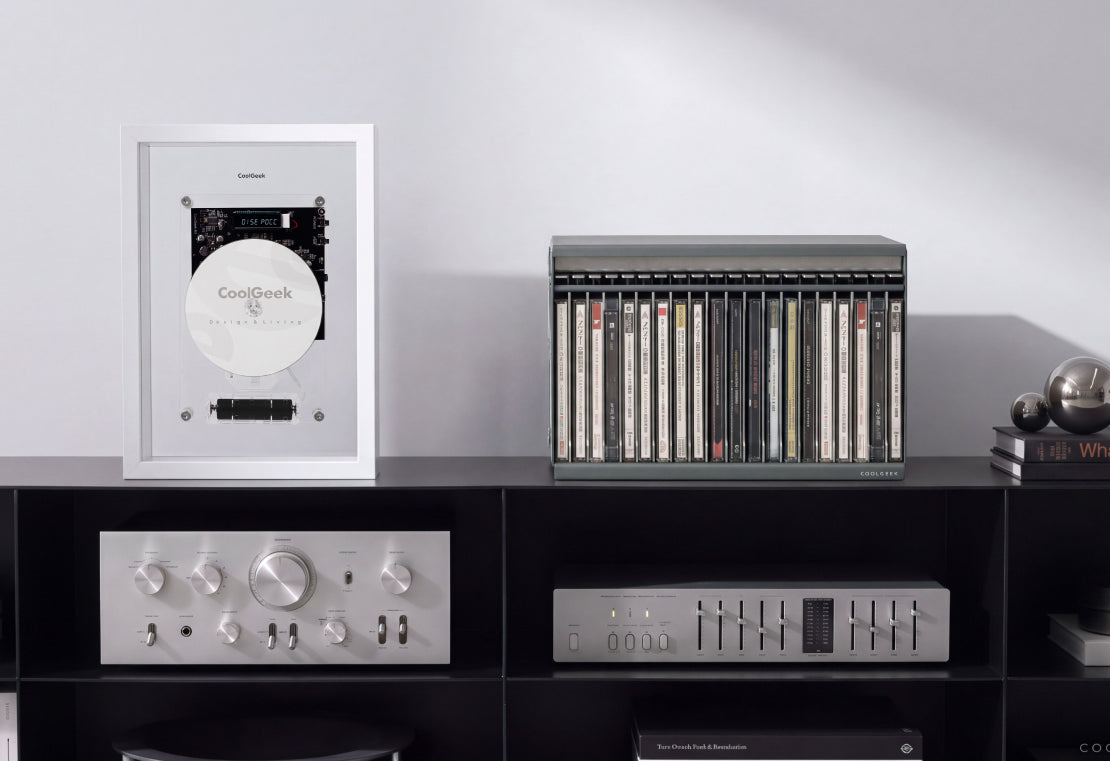
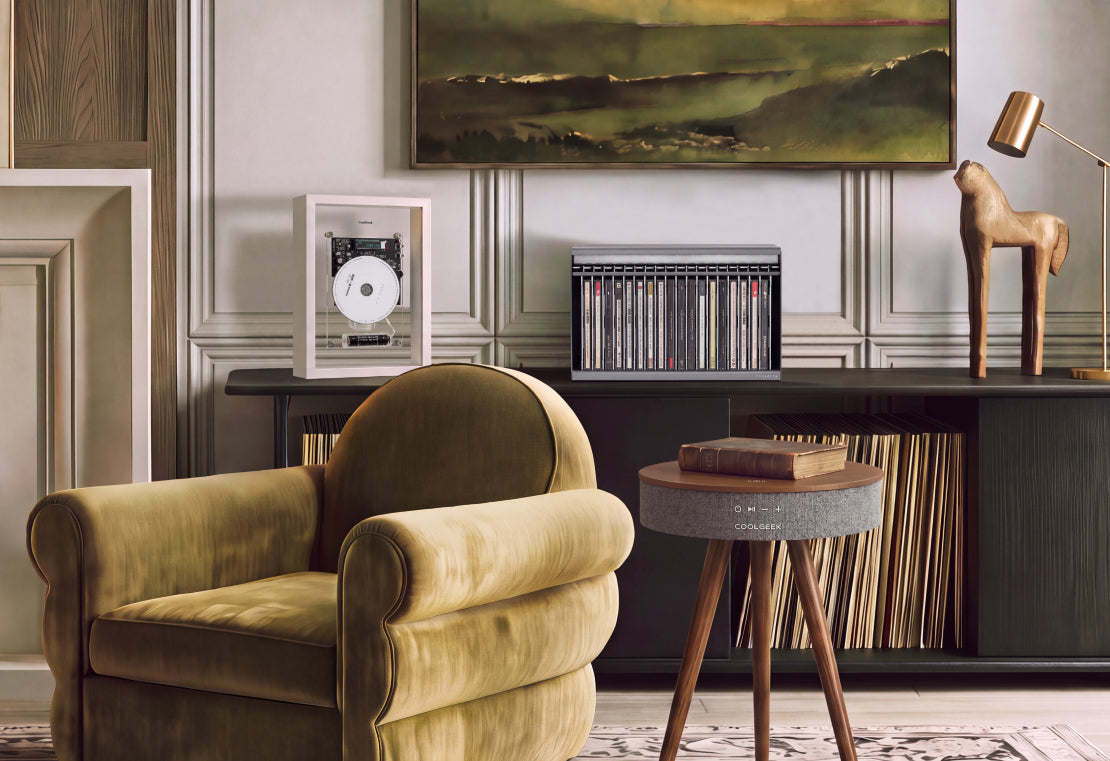
Separate long-term storage from the small group you are listening to this week. COOLGEEK's CD Archive Case offers a 20-CD capacity and a push-and-slide access mechanism, giving that active selection a defined place.
[4] COOLGEEK Treat this as an organizational choice, not a conservation certification. Follow the product's loading instructions, do not force unsuitable packaging into it, and keep the setup out of harsh light. A useful arrangement lets you find an album without shuffling unrelated objects or handling every disc in the collection.
Let the Player Complete the Routine
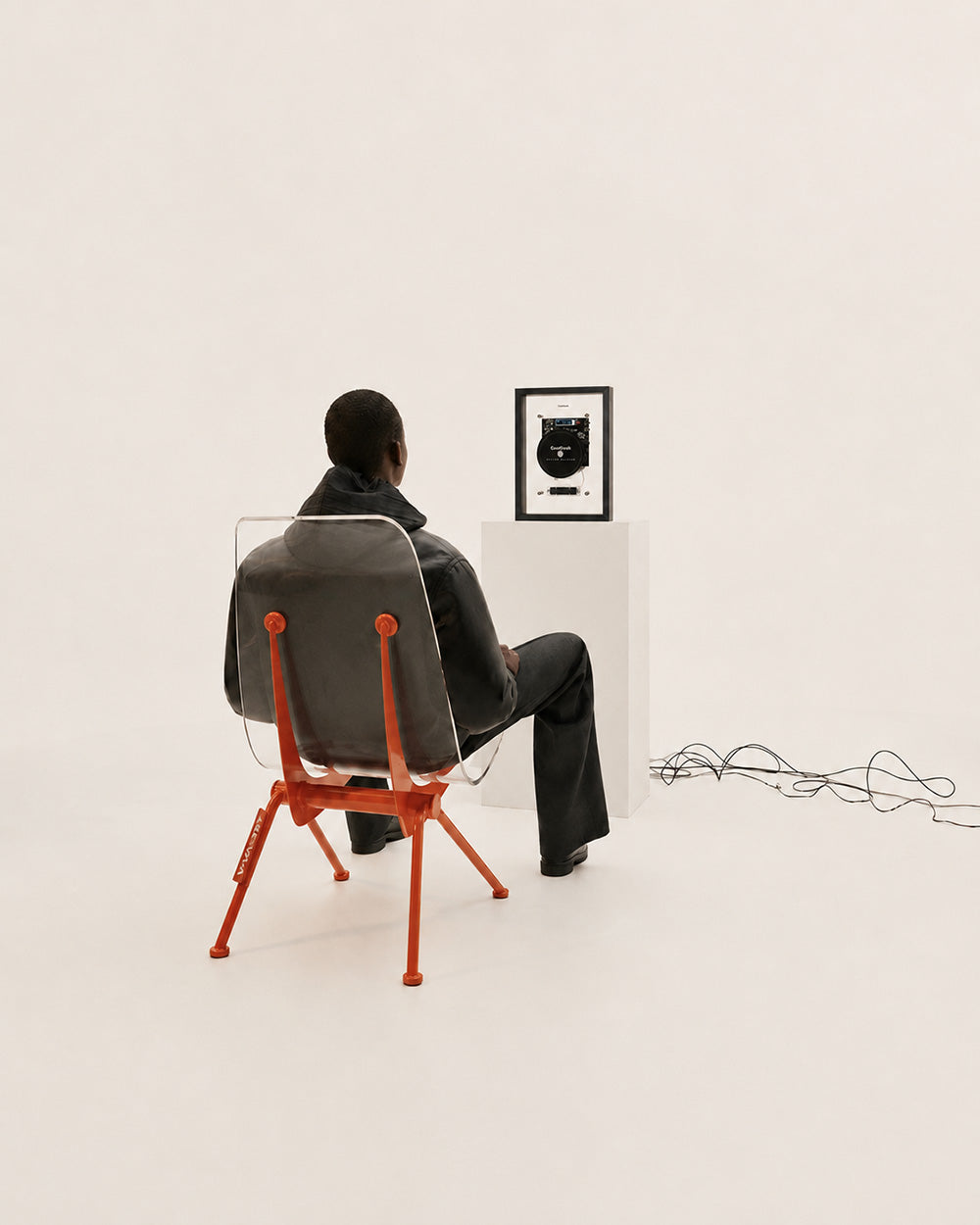
The player should be easy to reach without turning disc changes into a balancing act. Leave room for the actual loading action and keep drinks somewhere else. With COOLGEEK's M1 Music Frame CD Player, a visible CD becomes part of the listening scene, while Bluetooth or AUX output handles the audio connection.
[5] COOLGEEK Plan that connection before arranging the shelf: M1 requires external audio equipment or compatible headphones. Its visual presentation is an invitation to choose a disc, rather than evidence that display alone protects it.
Before starting, check that the disc is seated as the manual specifies. After listening, stop playback before removing it and return it to its intended place. If the same album repeatedly skips, note whether the problem follows the disc or occurs with several known-good discs. That distinction is more informative than assuming every interruption means the collection needs cleaning. Keep a brief note for an unreliable title so you can investigate calmly instead of replaying the same troublesome passage again and again.

Closing
The best disc-care routine is the one that survives an ordinary evening: clean hands, a clear loading space, appropriate cleaning when needed, and a reliable return to storage. None of this requires a collector to stop enjoying the collection. It makes enjoyment easier to repeat. Choose one small improvement today, whether replacing a broken case or clearing the shelf beside your player, and let the next album begin without a search, a loose stack, or an avoidable fingerprint.



Share:
How to Choose a Music Gift That Feels Personal